Currency
What is Currency in Jova POS?
The Currency menu in Jova POS allows you to set the type of currency used in the store's accounting system. This setting is very important because it determines the format of transactions and financial reports generated, such as profit & loss reports, trial balance, and others.
Currency Functions
The main functions of currency settings are:
- Determining the type of currency used in the store, e.g., IDR - Indonesian Rupiah or USD - United States Dollar.
- Determining the currency format, whether to use decimals or not, which affects how prices and amounts are displayed in financial reports.
1. Accessing Currency Settings
- Open the Settings menu in the sidebar.
- Click Currency.
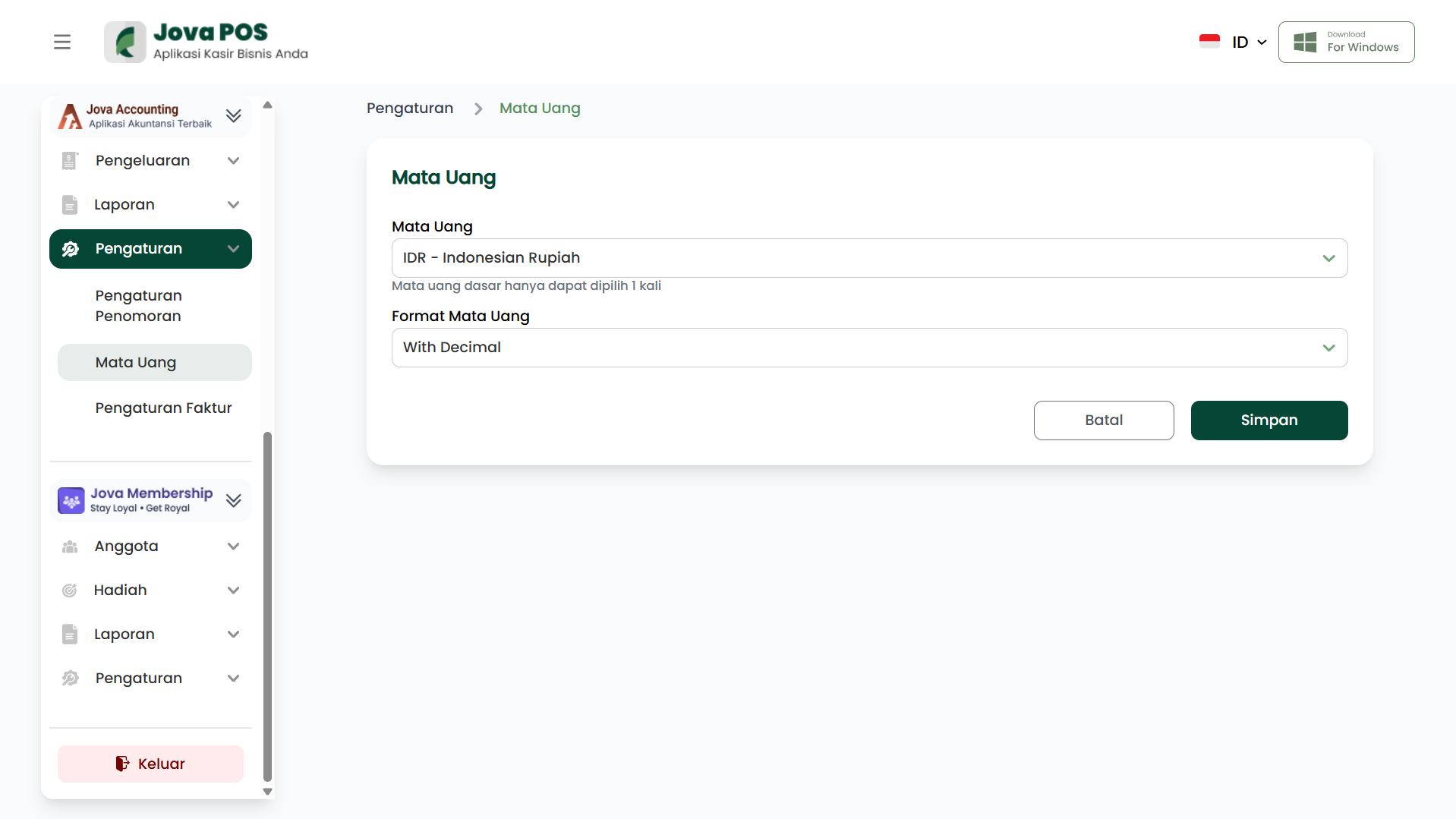
After the page opens, you can select the appropriate currency and the format you want to apply.
2. Setting Currency and Format
-
Currency
Select the currency that matches the store's needs. For example, you can choose IDR - Indonesian Rupiah or USD - United States Dollar. -
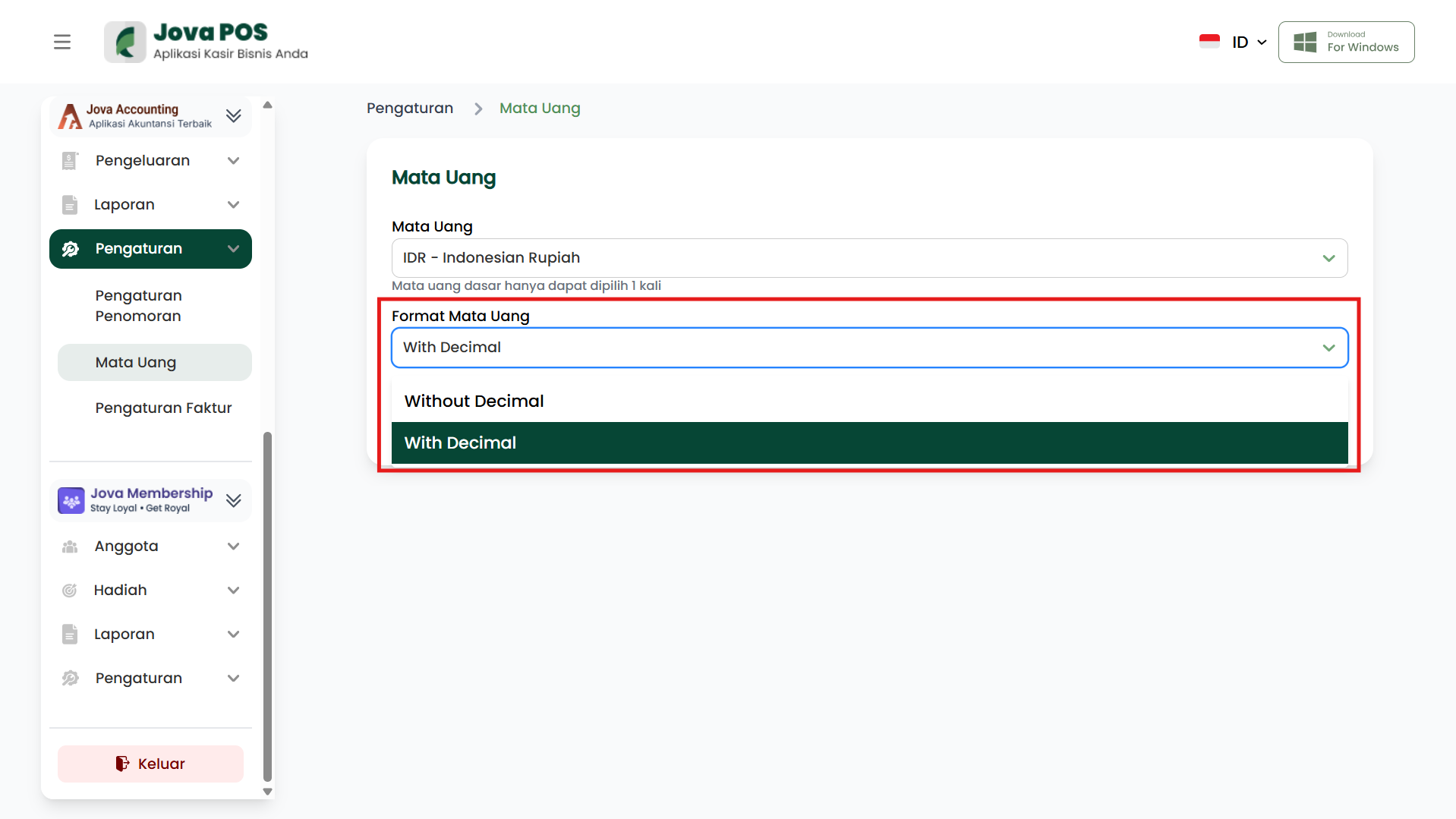
Currency Format
Select the currency display format. There are two available options: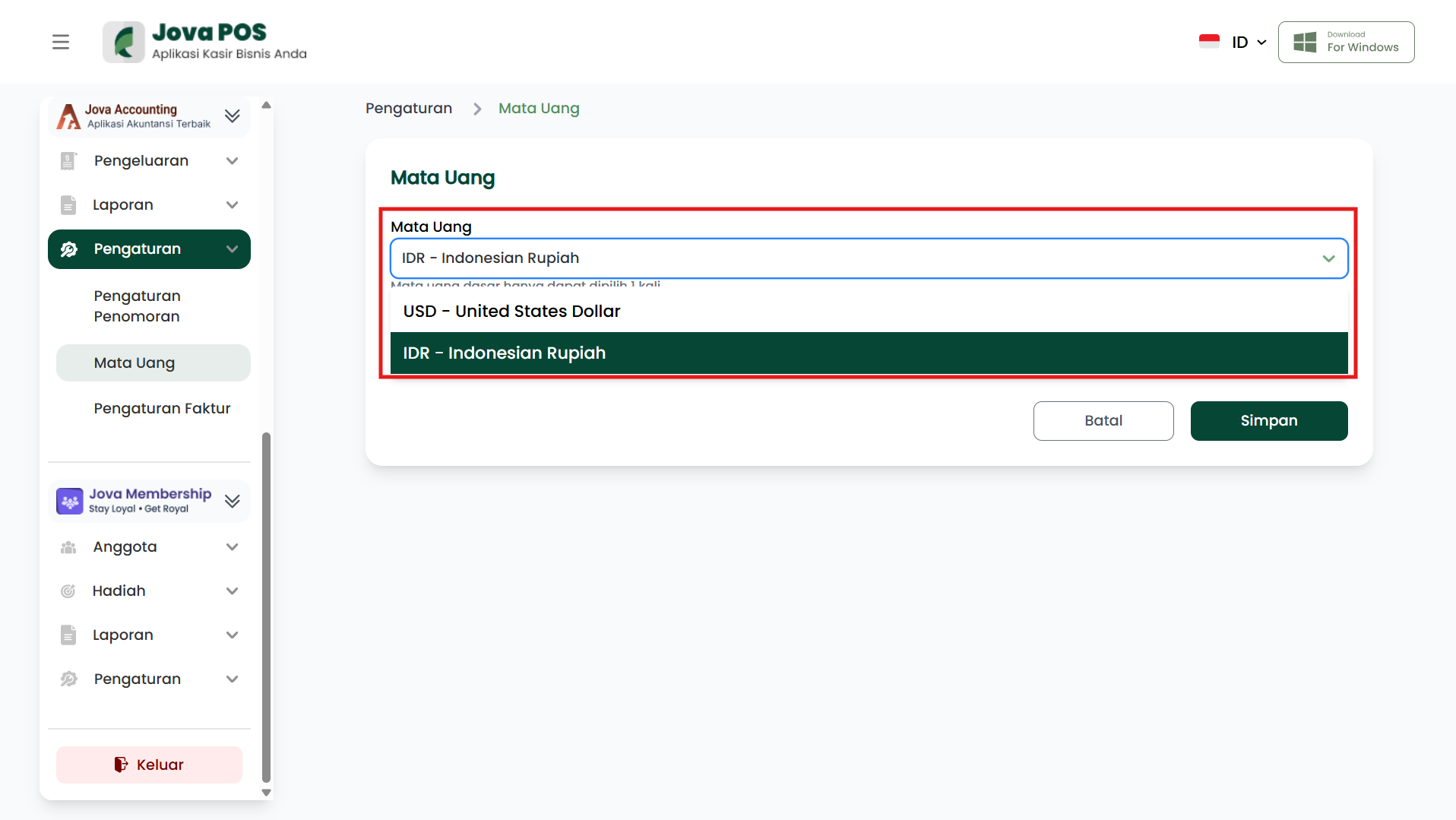
-
With Decimal
Displays numbers with two decimal places, e.g., Rp 50,000.00. -
Without Decimal
Displays numbers without decimal places, e.g., Rp 50,000.
-
3. Saving Settings
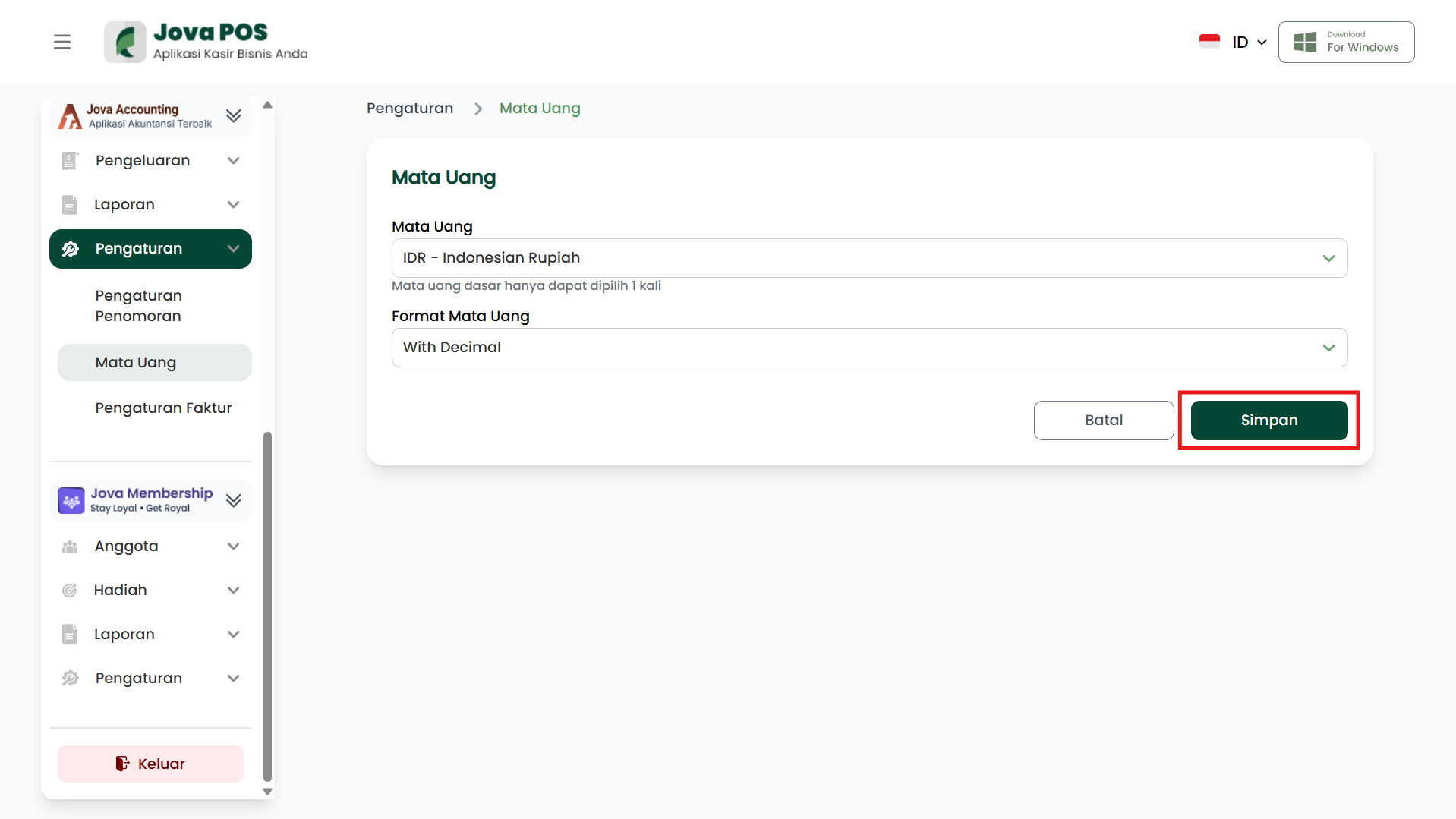
After selecting the appropriate currency and format, click the Save button to save the settings. The saved currency settings will apply to all financial reports and transactions in Jova POS.