Settings
The Settings menu is used to manage settings related to points received by members in the Jova POS system. On this page, you can configure the point limitation type, the number of points earned, and the minimum purchase amount for each transaction.
1. Opening Point Settings
To access the Point Settings page, follow these steps:
- Open the Settings menu in the sidebar.
- Select Point Settings.
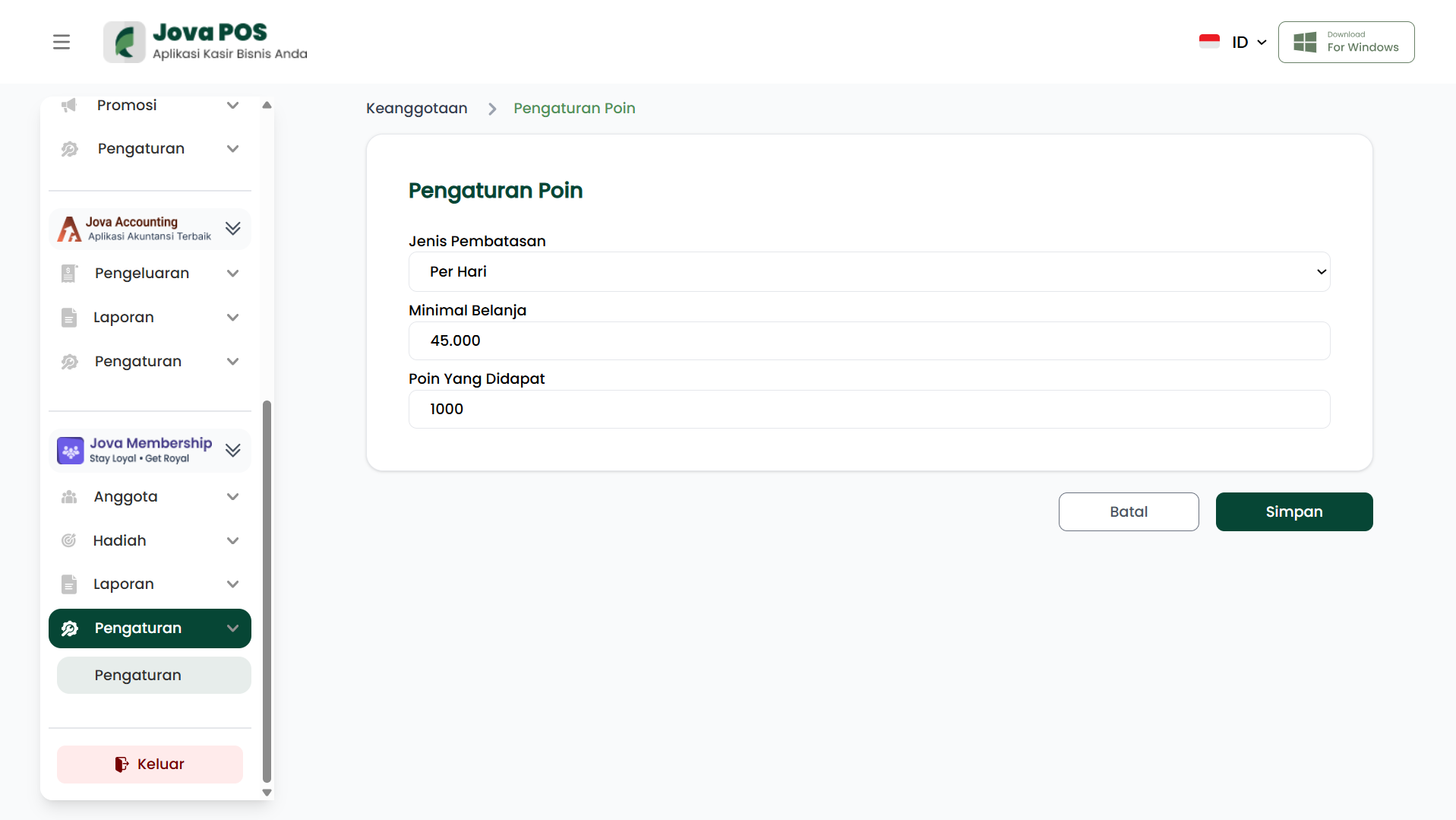
This page will display setting options related to points, including limitation type, minimum purchase, and points earned.
2. Configuring Point Settings
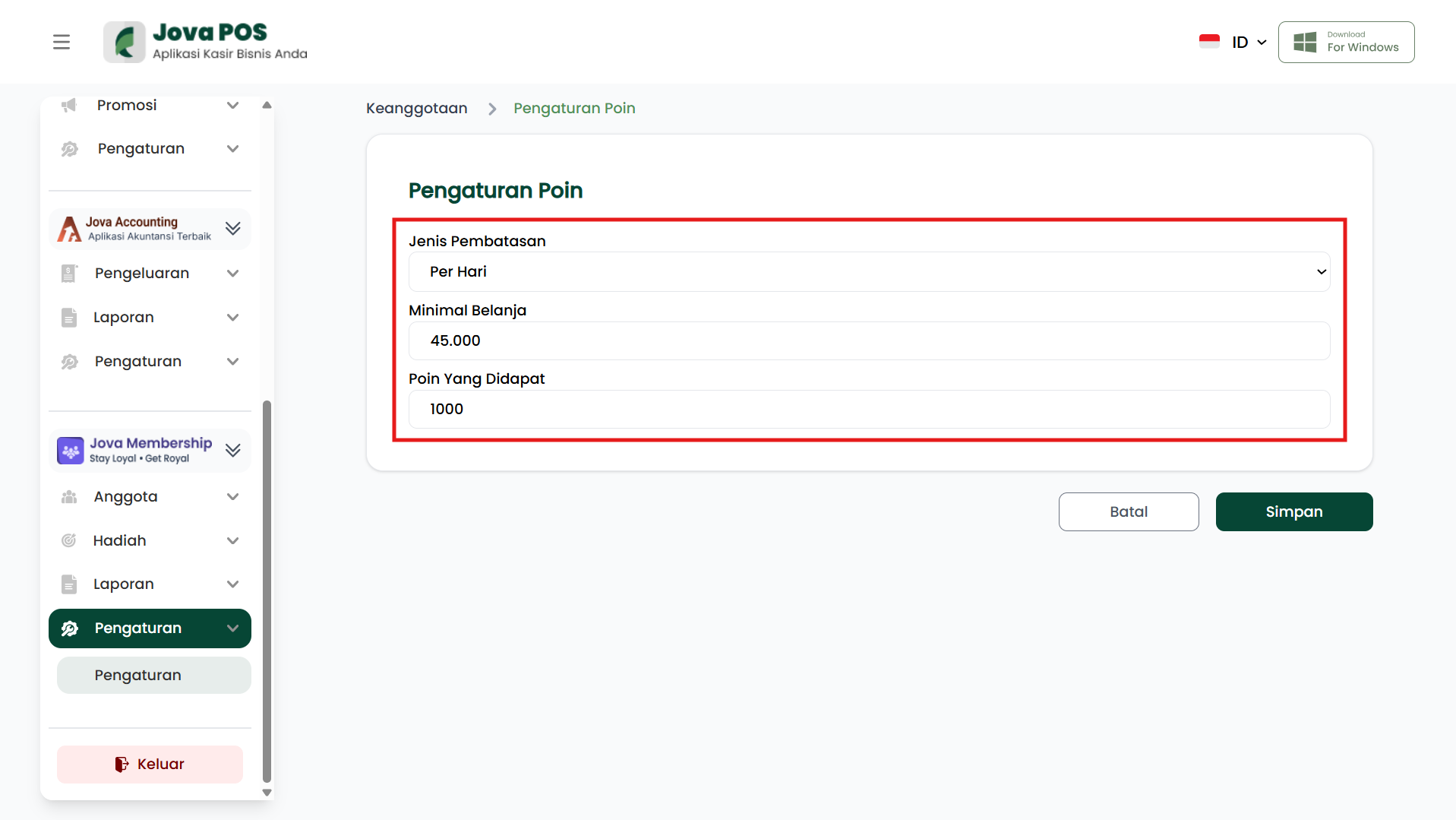
On the Point Settings page, you will see several columns that you can configure, including:
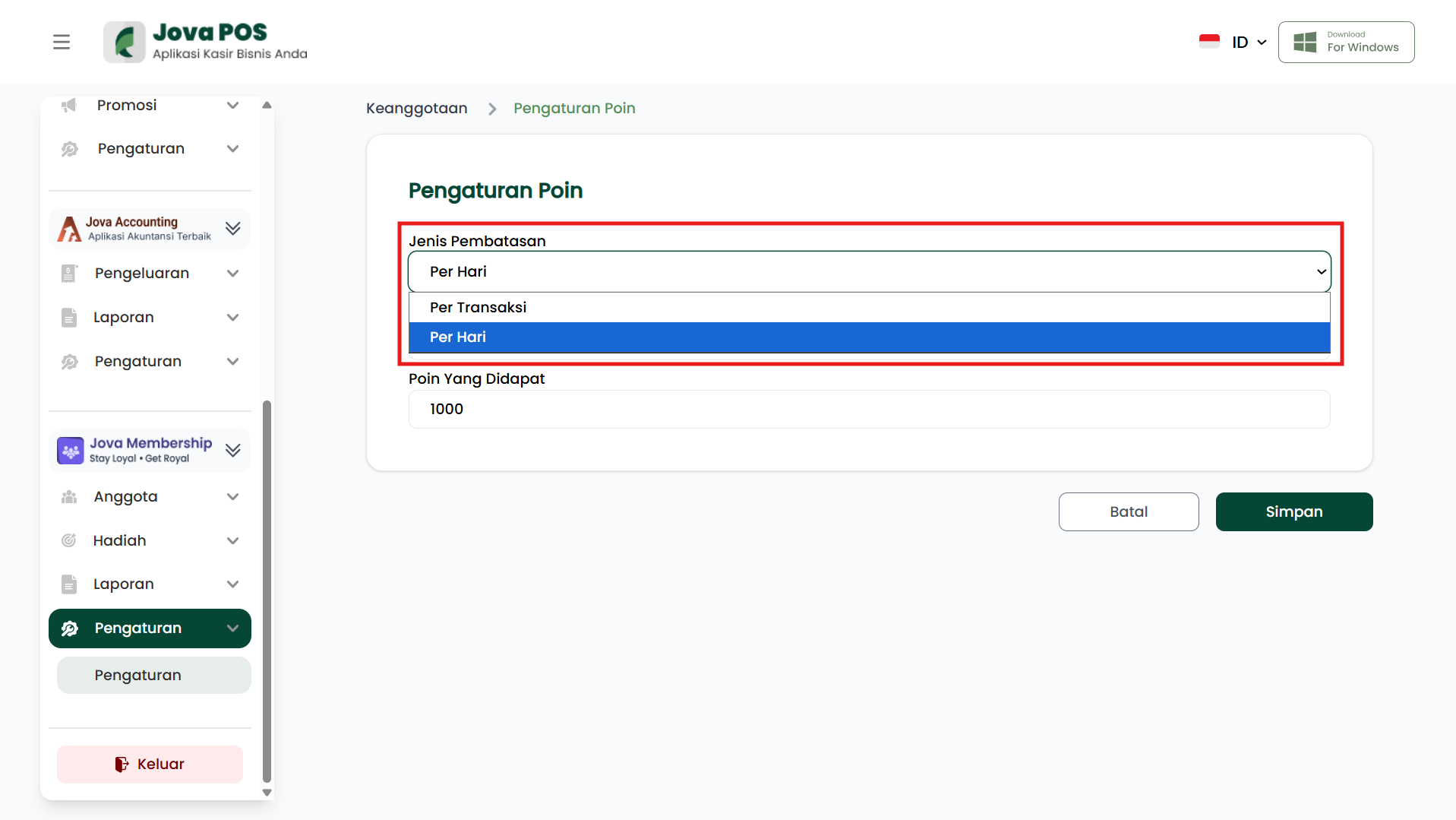
- Limitation Type: Determines whether point limitations are given per day or per transaction.
- Minimum Purchase: The minimum amount that must be spent by a member to earn points.
- Points Earned: The number of points that will be earned by the member after meeting the minimum purchase requirement.
Limitation Type
Select the appropriate point limitation type. There are two options to choose from:
- Per Day: Points are given based on the number of transactions in one day.
- Per Transaction: Points are given based on a specific transaction, without considering the total daily transactions.
3. Saving Settings
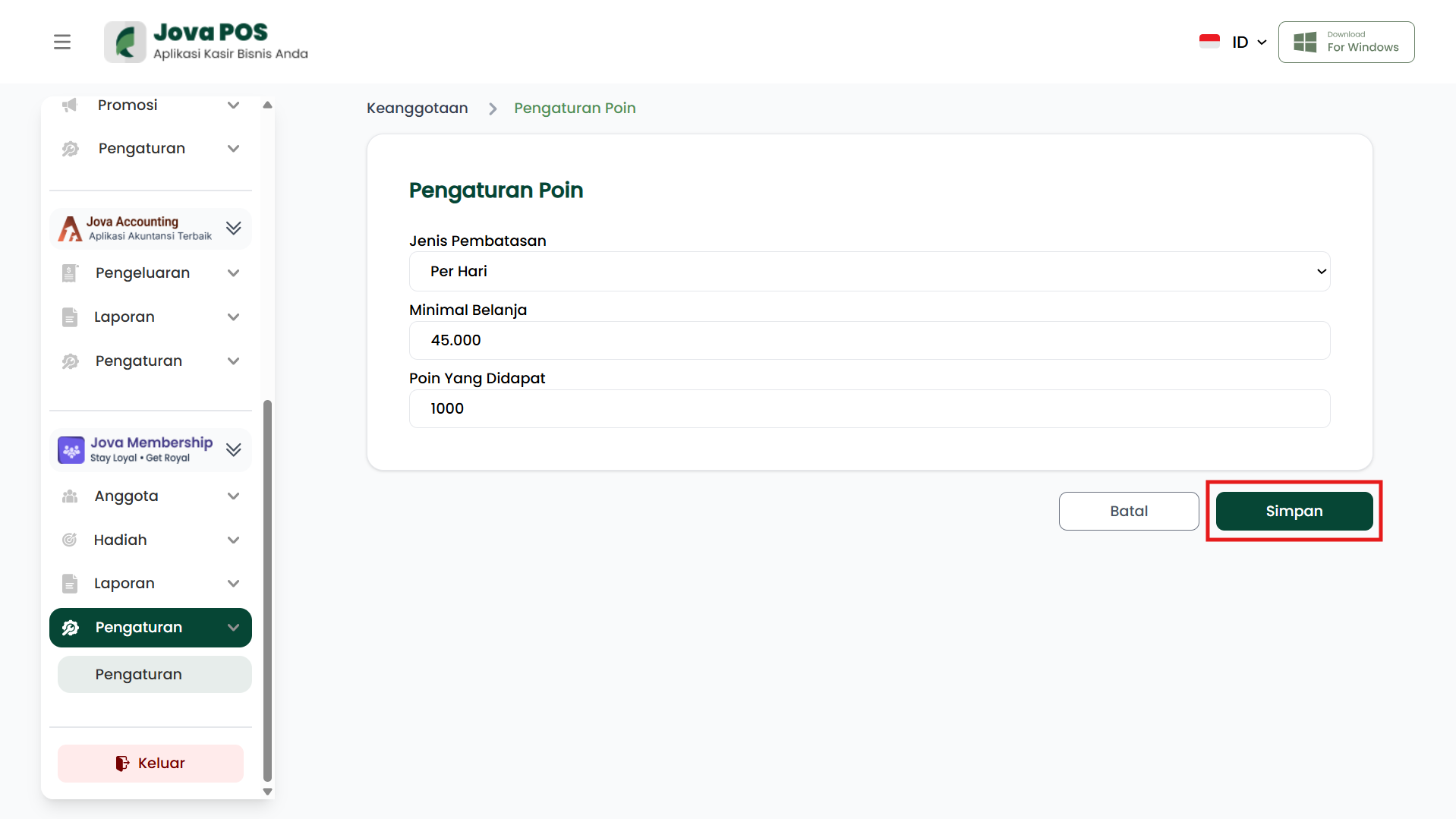
After you have filled in all the information in the available columns, click the Save button to save the changes made.
4. Point Settings Usage Flow
Login
  ↓
Settings Menu
  ↓
Point Settings
  ↓
Configure Limitation Type, Minimum Purchase, and Points Earned
  ↓
Click Save
  ↓
Done