Authorization
This document explains the Authorization settings in the Jova POS system, including menu access management based on roles assigned to employees.
Authorization Flow
The general flow is:
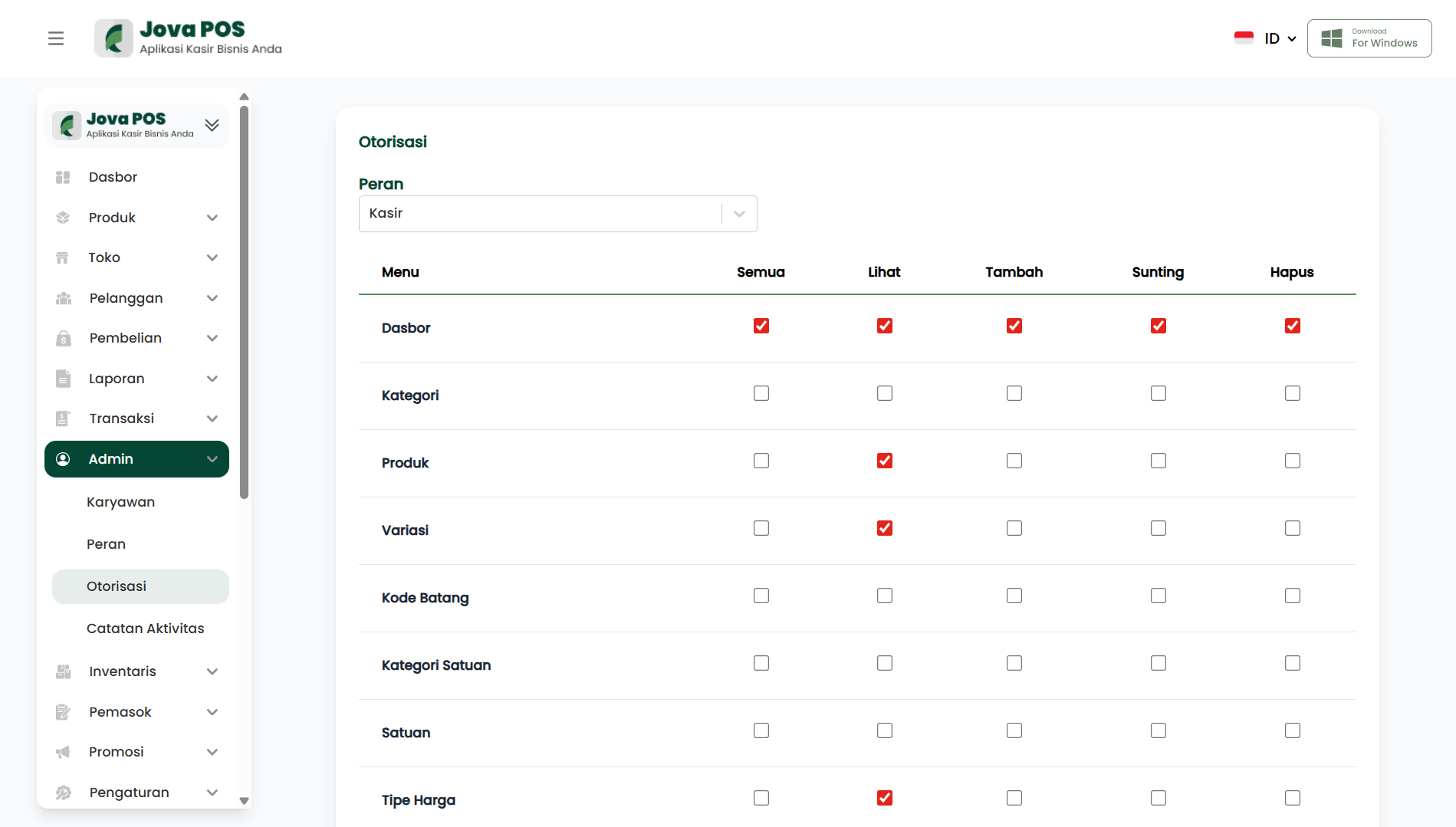
- Access the Admin → Authorization menu.
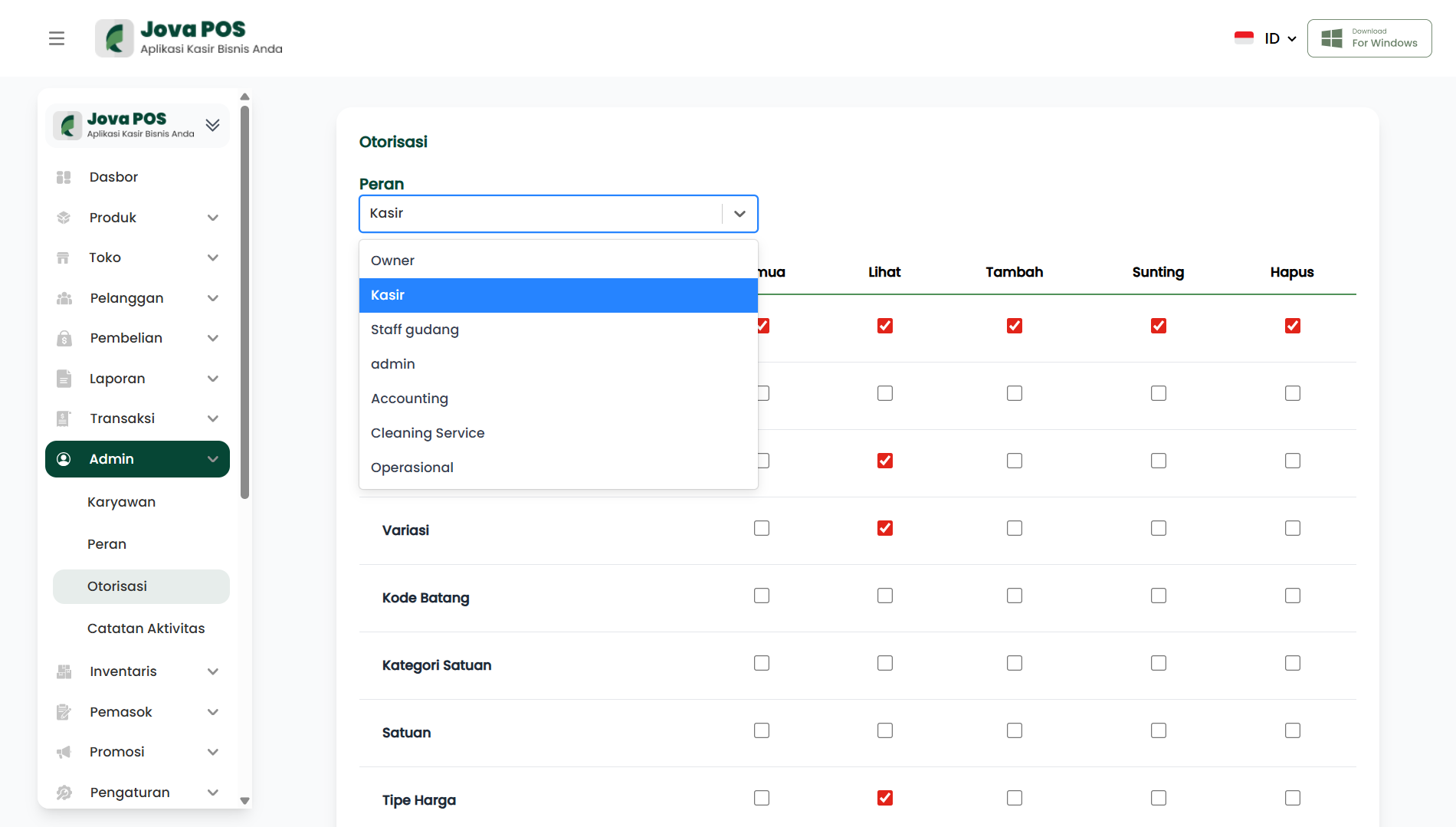
- Select the role whose authorization you want to configure.
- Choose which menus to grant access to (view, add, edit, delete).
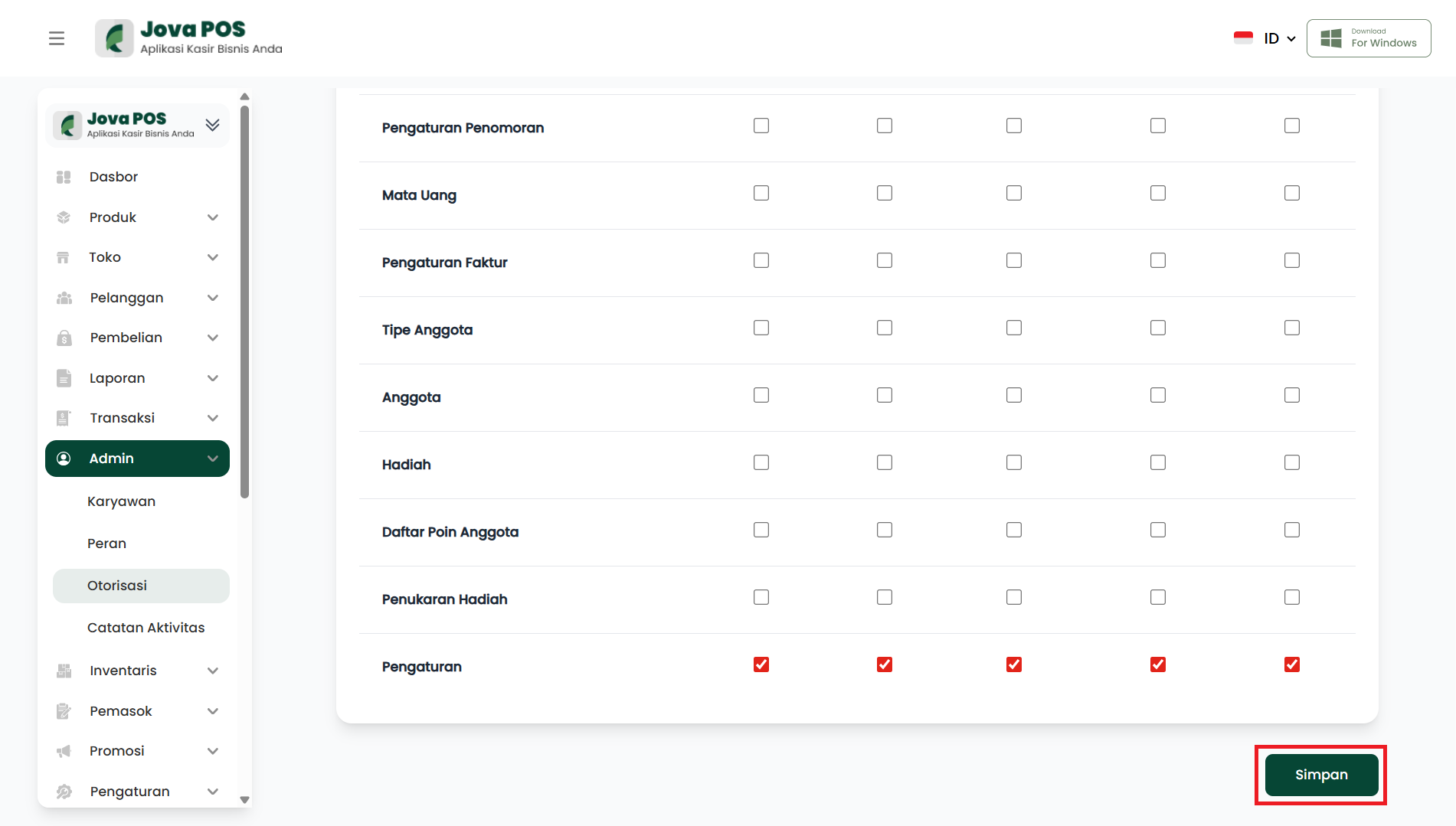
- Click Save to save the authorization settings.
- After saving, that role will have the specified access rights.
1. Accessing the Authorization Menu
- In the sidebar, click Admin.
- Select Authorization to access the authorization settings page.
2. Setting Authorization by Role
On the Authorization page, you can select a role to assign access rights to.
- Select the role to configure from the Role dropdown.
- Available roles include: Owner, Cashier, Warehouse Staff, Admin, Accounting, Cleaning Service, etc.
3. Configuring Menu Access
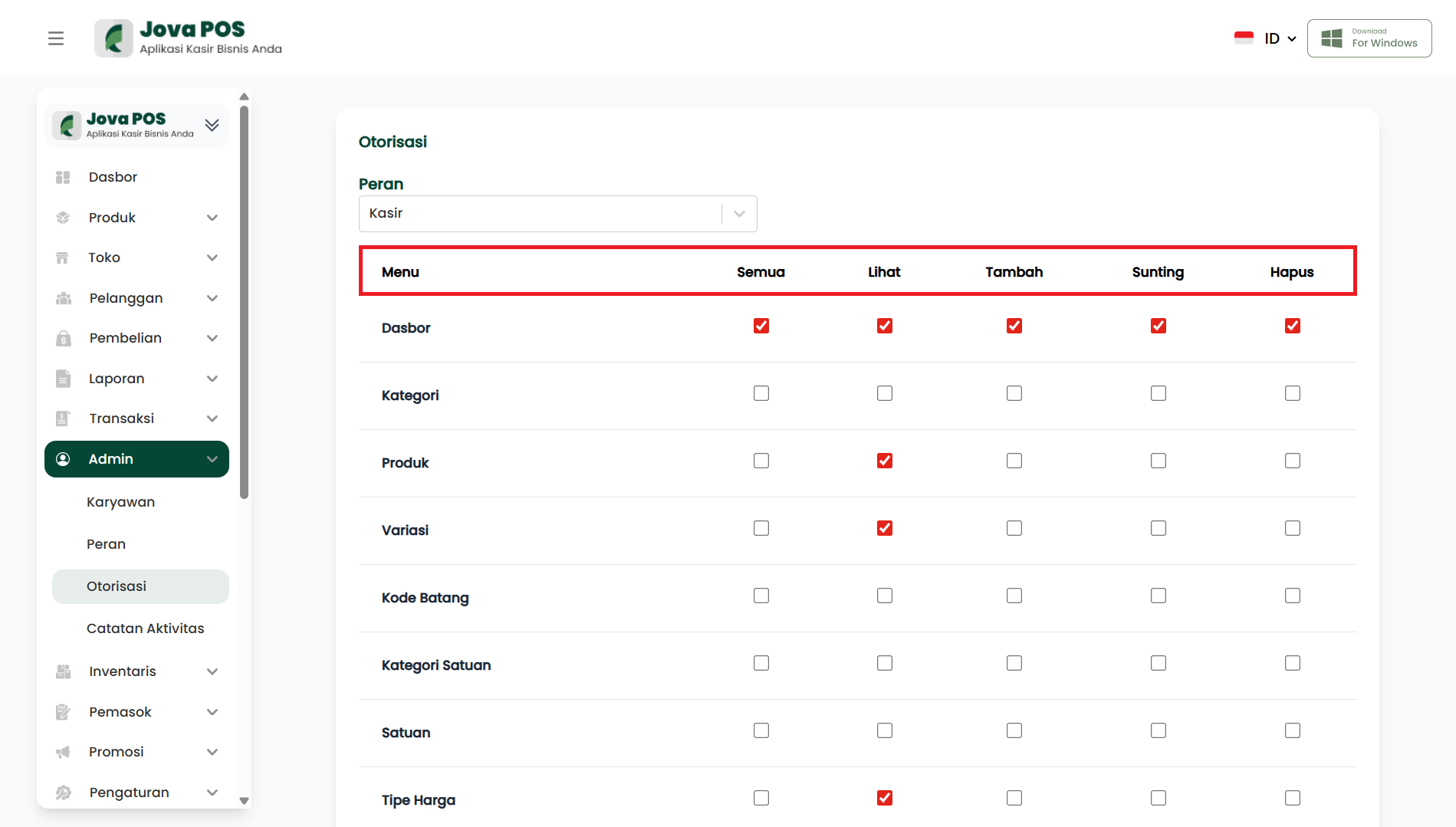
After selecting a role, you can configure menu access for that role:
- All: Grants full access to view, add, edit, and delete.
- View: Grants access to view only.
- Add: Grants access to add data.
- Edit: Grants access to edit data.
- Delete: Grants access to delete data.
Example Menu Access Configuration:
- Role: Cashier
- Menu: Transactions
- All access for Cashier.
4. Saving Authorization Settings
After configuring menu access, click the Save button at the bottom of the page to save the settings.
5. Editing Authorization
To change existing authorization settings:
- Click the Edit button in the Action column of the authorization list.
- Adjust the authorization settings.
- Click Save to save the changes.
6. Authorization List
After authorization settings are applied, you can view the existing authorization list in a table containing the following information:
- Role
- Menu
- Access (All, View, Add, Edit, Delete)
Conclusion
With the Authorization feature in Jova POS, you can easily configure access for each role to various menus. These settings ensure that employees only have access according to their roles and responsibilities, thereby improving security and efficiency in system management.