Login to JOVA POS Application
To maintain data security and separate data between stores, JOVA POS uses a domain-based login system.
What is a Domain?
A domain is a unique address used to identify the store or company registered in the JOVA POS system.
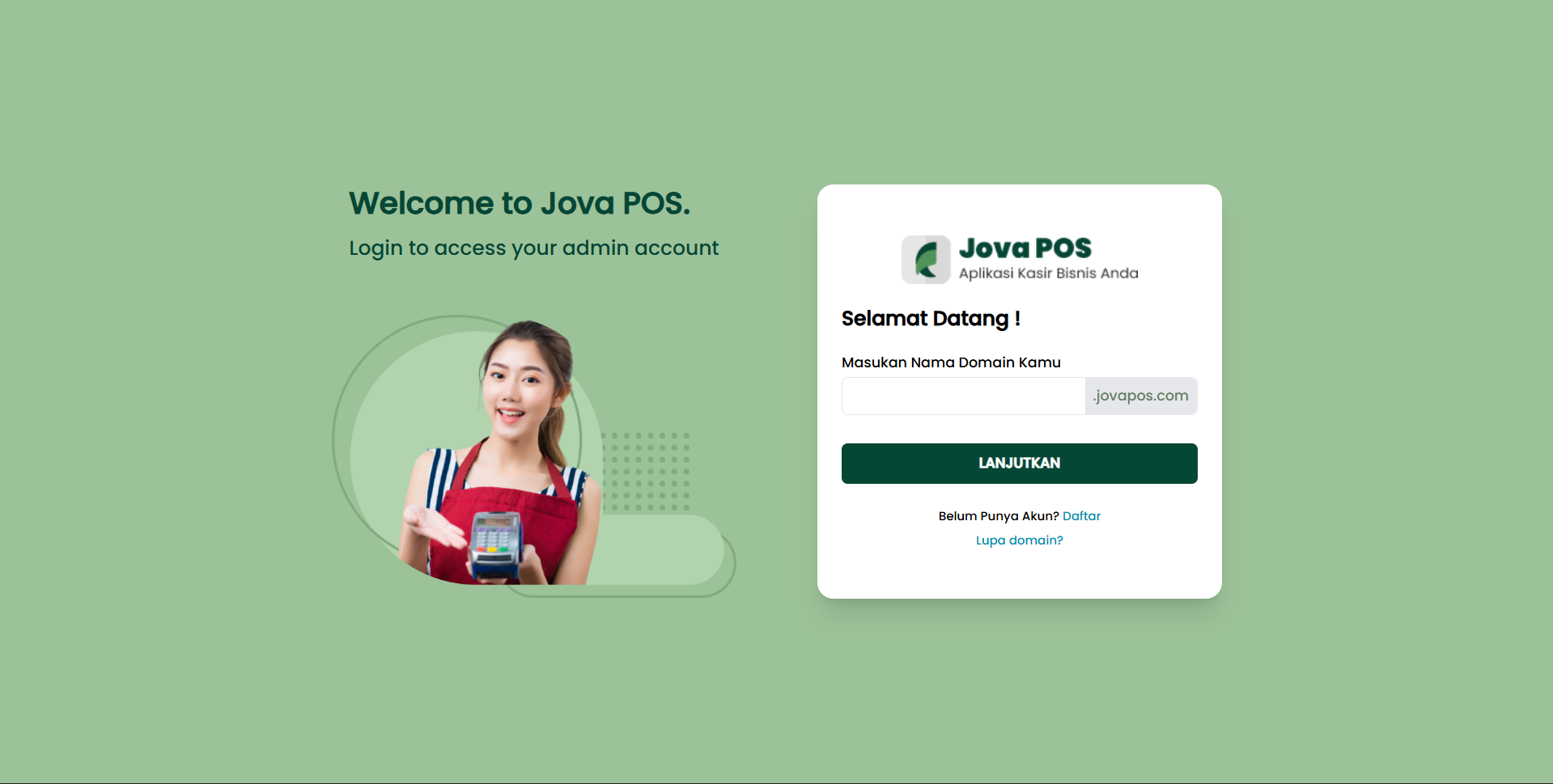
Example domains:
yourstore.jovapos.idbranch1.jovapos.id
Login Page Overview
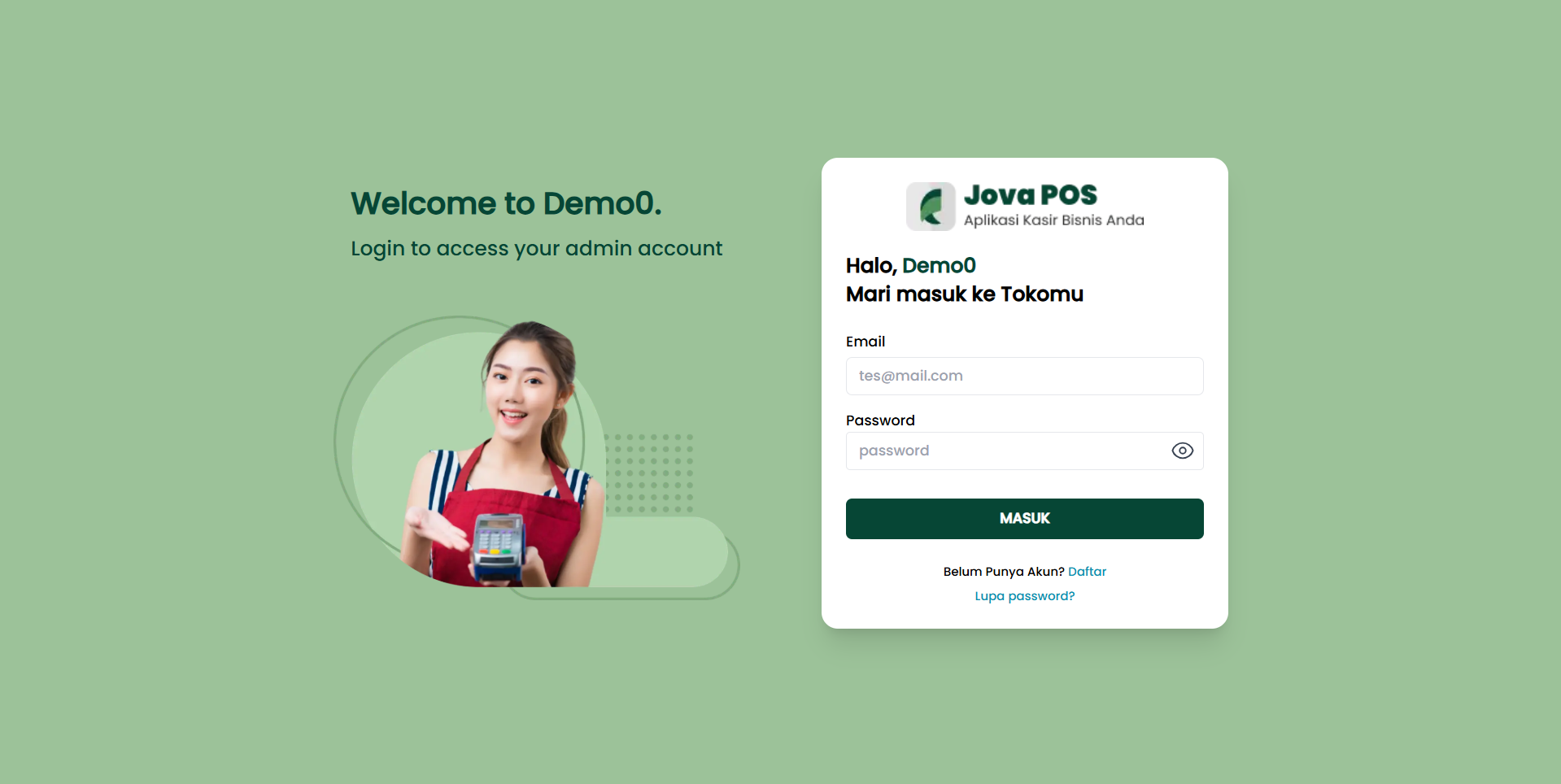
Login Page Sections
- Domain Field
Used to determine which store to access. - Username Field
Fill in with the account provided by the admin. - Password Field
Keep this confidential. - Login Button
To enter the system.
Login Steps
- Enter your Domain
- Enter your Username
- Enter your Password
- Click the Login button
- If successful, the system will display the Dashboard
note
If you forgot your domain, contact the store administrator.
warning
Incorrect domain or password entry will cause login to fail.