Login to Jova POS
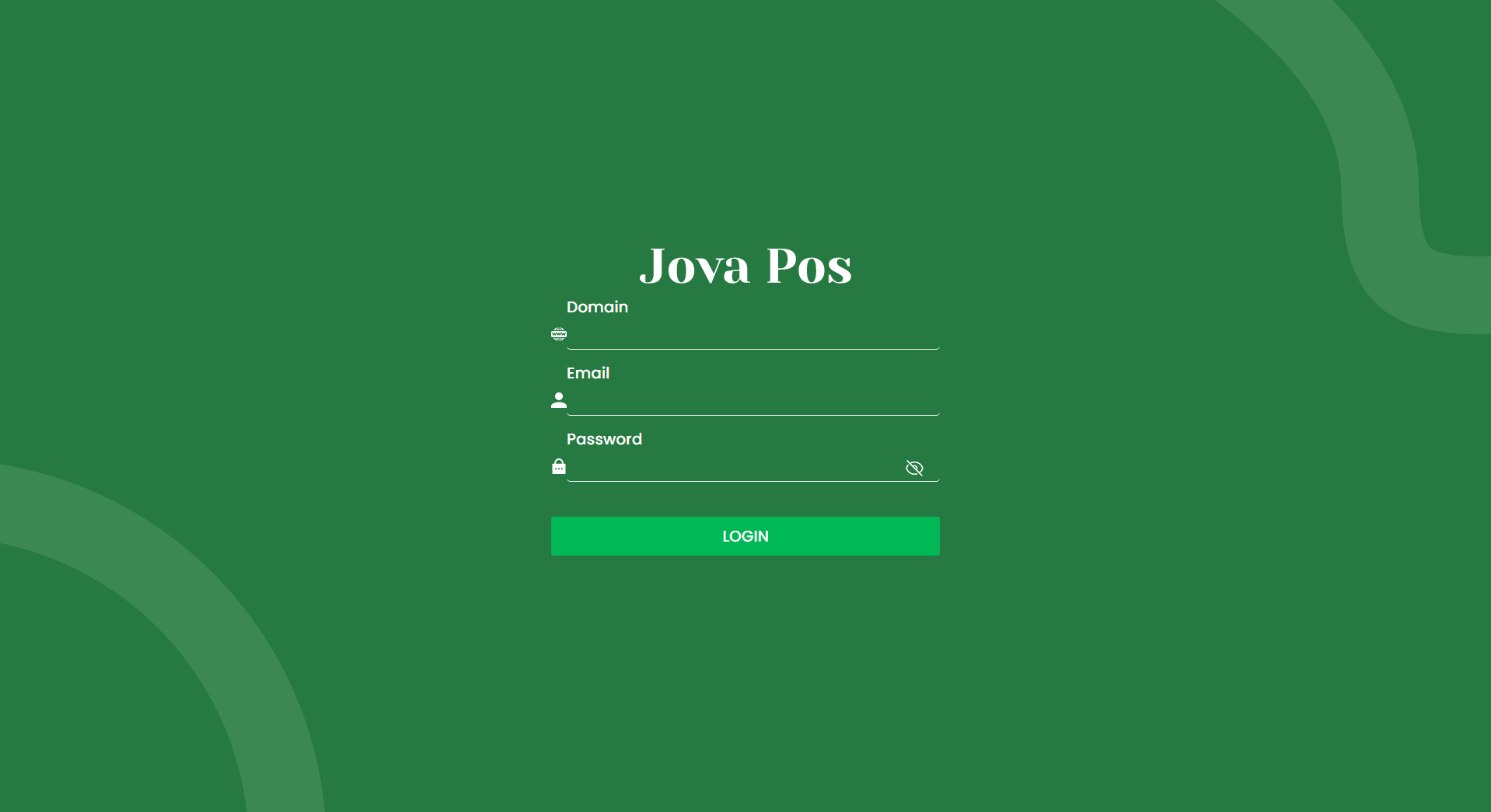
The Login page is the first step to accessing the Jova POS application. Follow the guide below to log in with a valid account.
1. Login Page View
When you first open the Jova POS application, you will be greeted by the login page as shown below:
2. Filling in Login Information
To log in to the application, fill in the following information on the login form:
- Domain: Enter the domain you use to log in (example:
demo2). - Email: Enter the email address registered in the system (example:
demo2@mail.com). - Password: Enter your password.
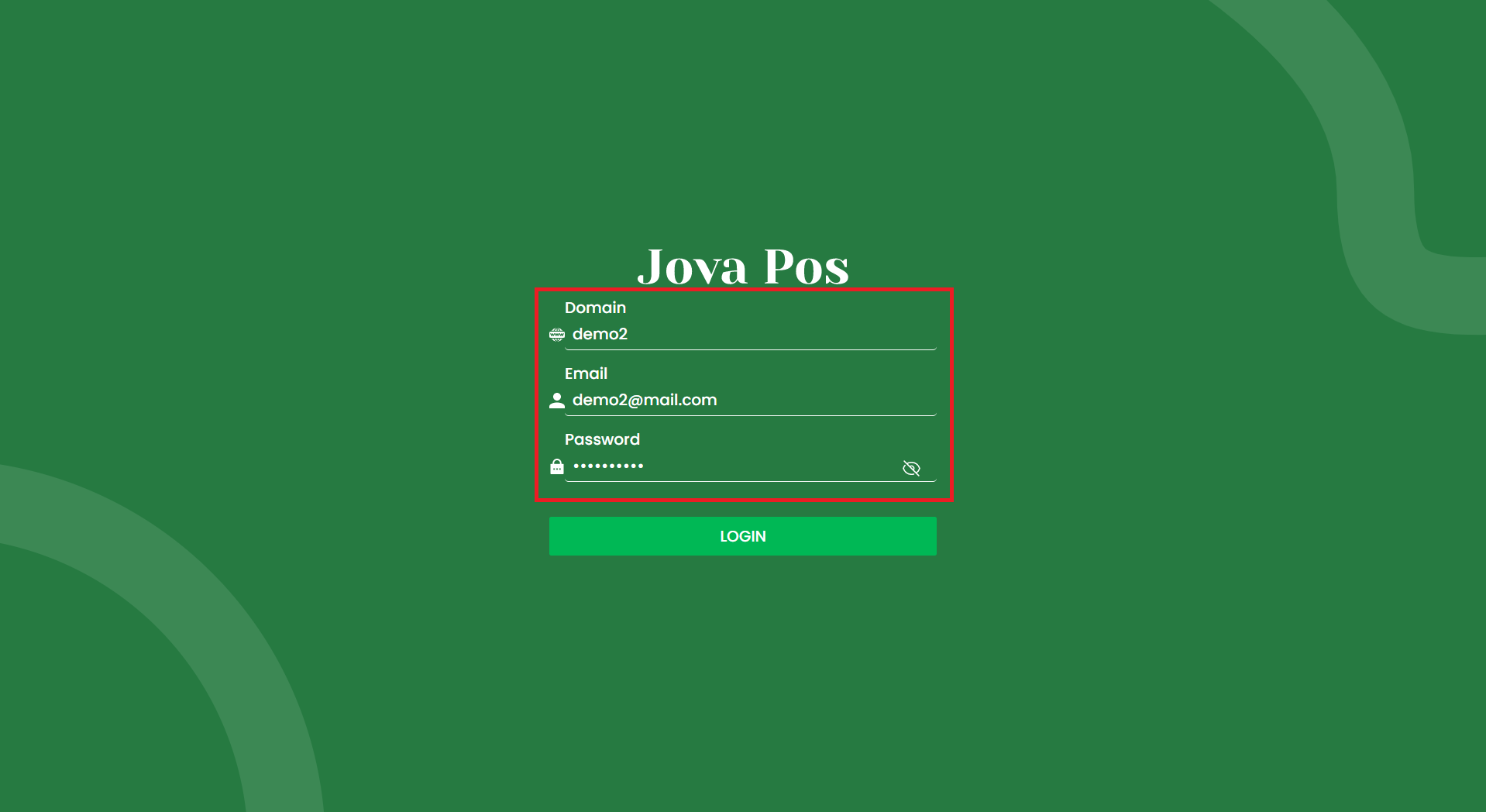
Make sure you enter the correct information to access the application.
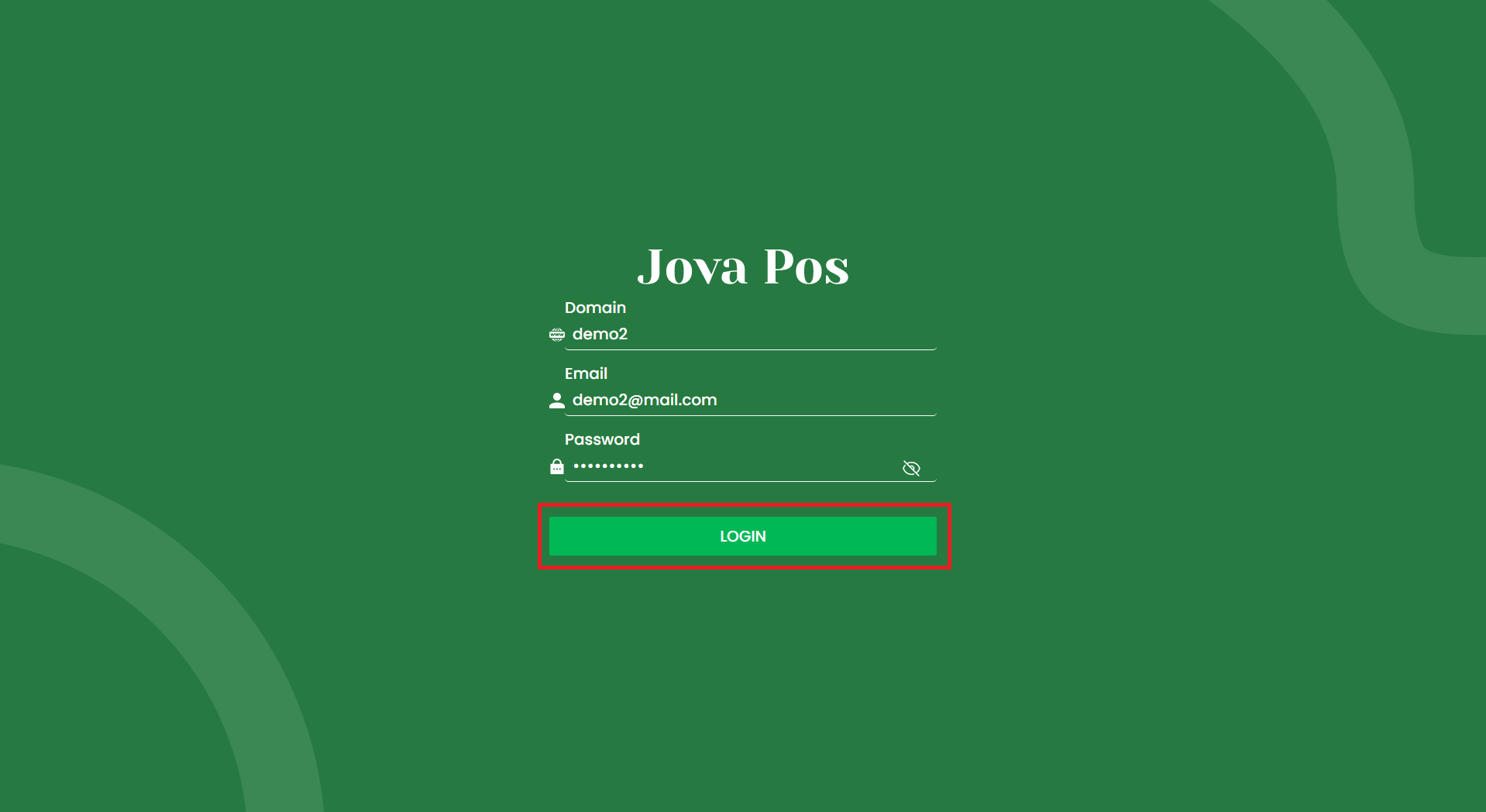
3. Click Login
After all fields are filled correctly, click the LOGIN button to proceed.
Login Usage Flow
Open Jova POS Application
  ↓
Enter Domain, Email, and Password
  ↓
Click LOGIN
  ↓
Access Application